Prefer manual setup? If the button doesn't open or you prefer to set up via Booking.com Extranet directly, click 'Next Step' to follow the manual guide.
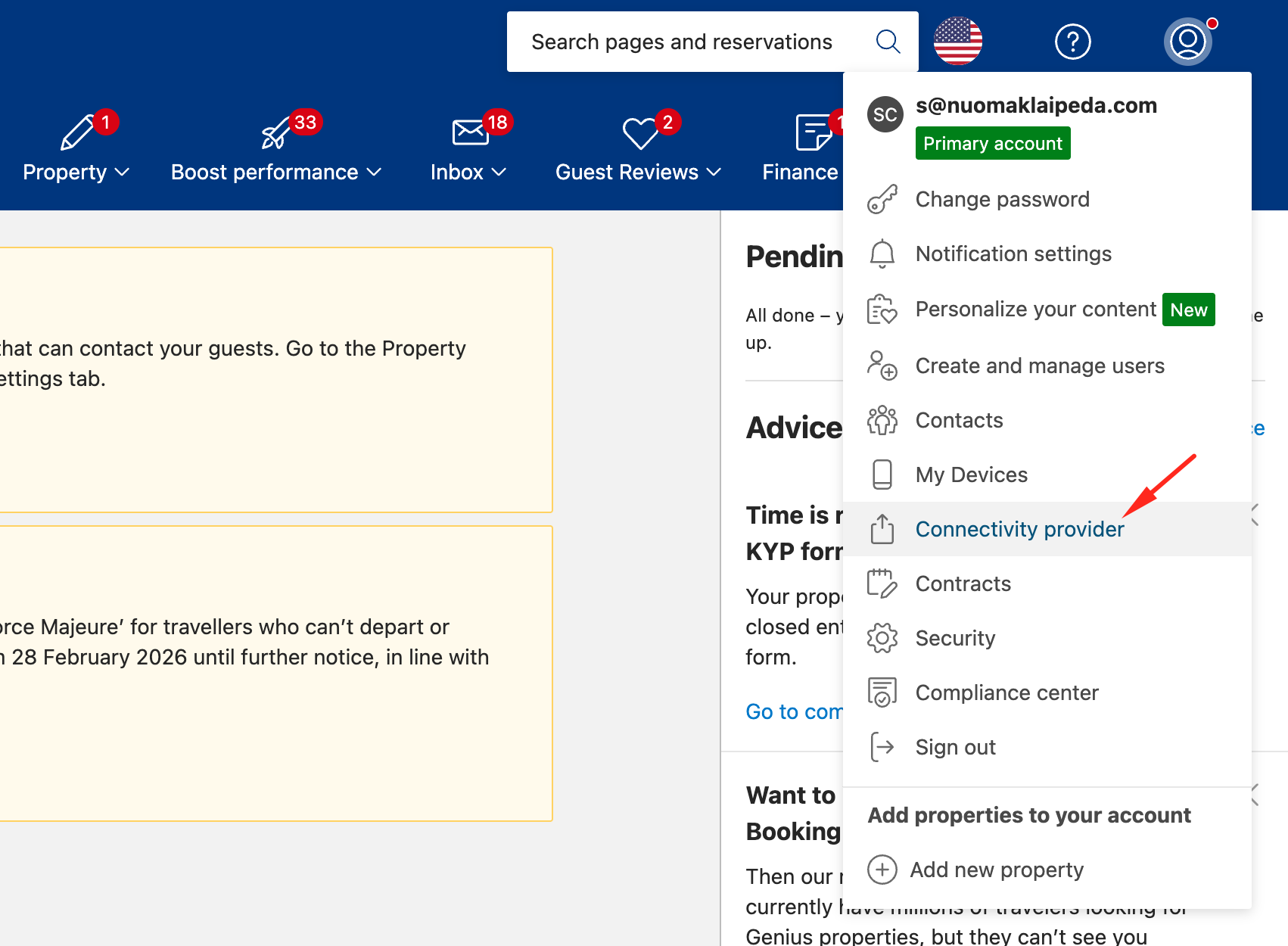
Log in to your Booking.com Extranet, click on your profile icon in the top right corner, and select 'Connectivity provider'.
Step 3 of 5 • Channel Selection
3. Search & Select NOBEDS
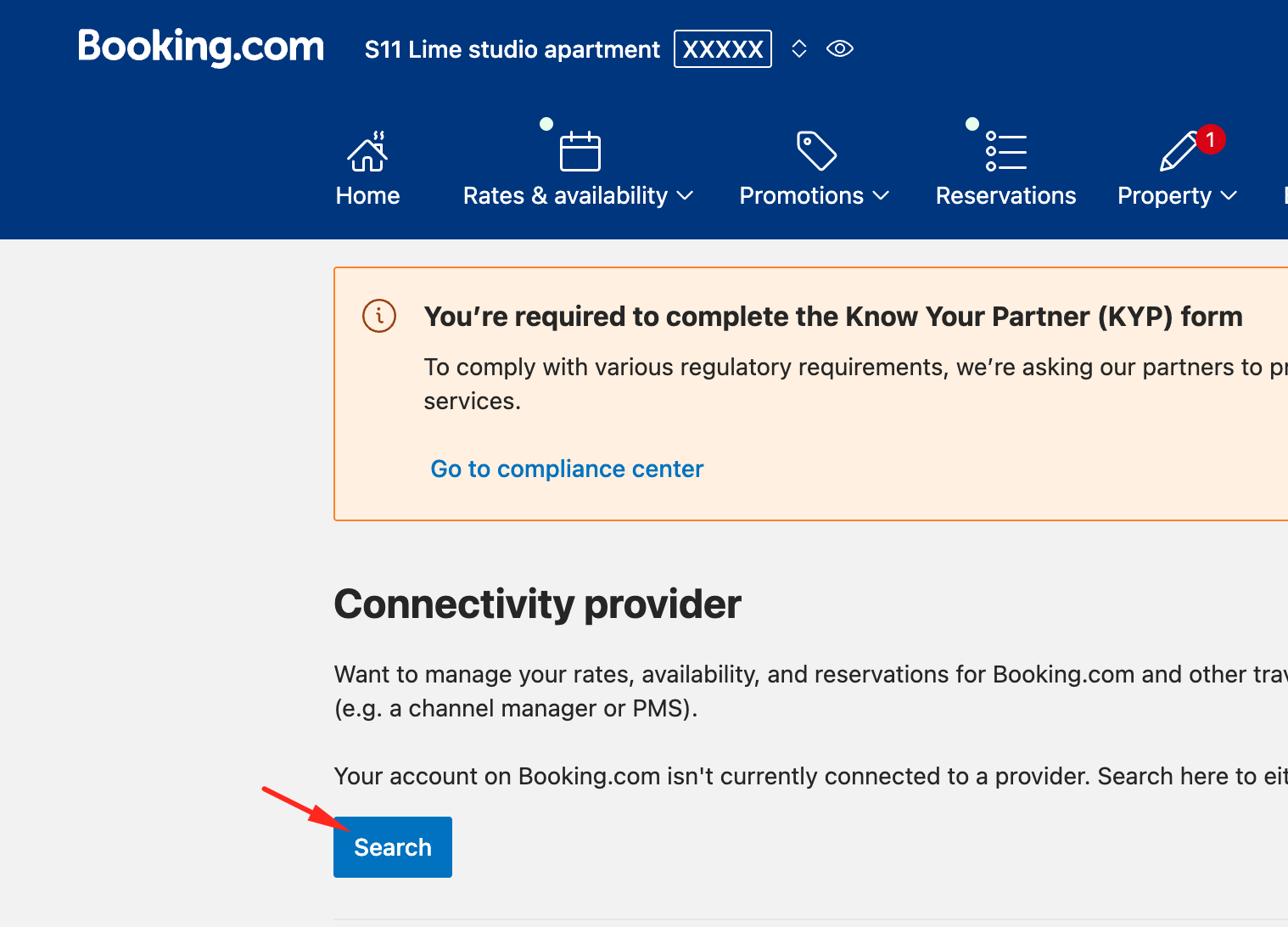
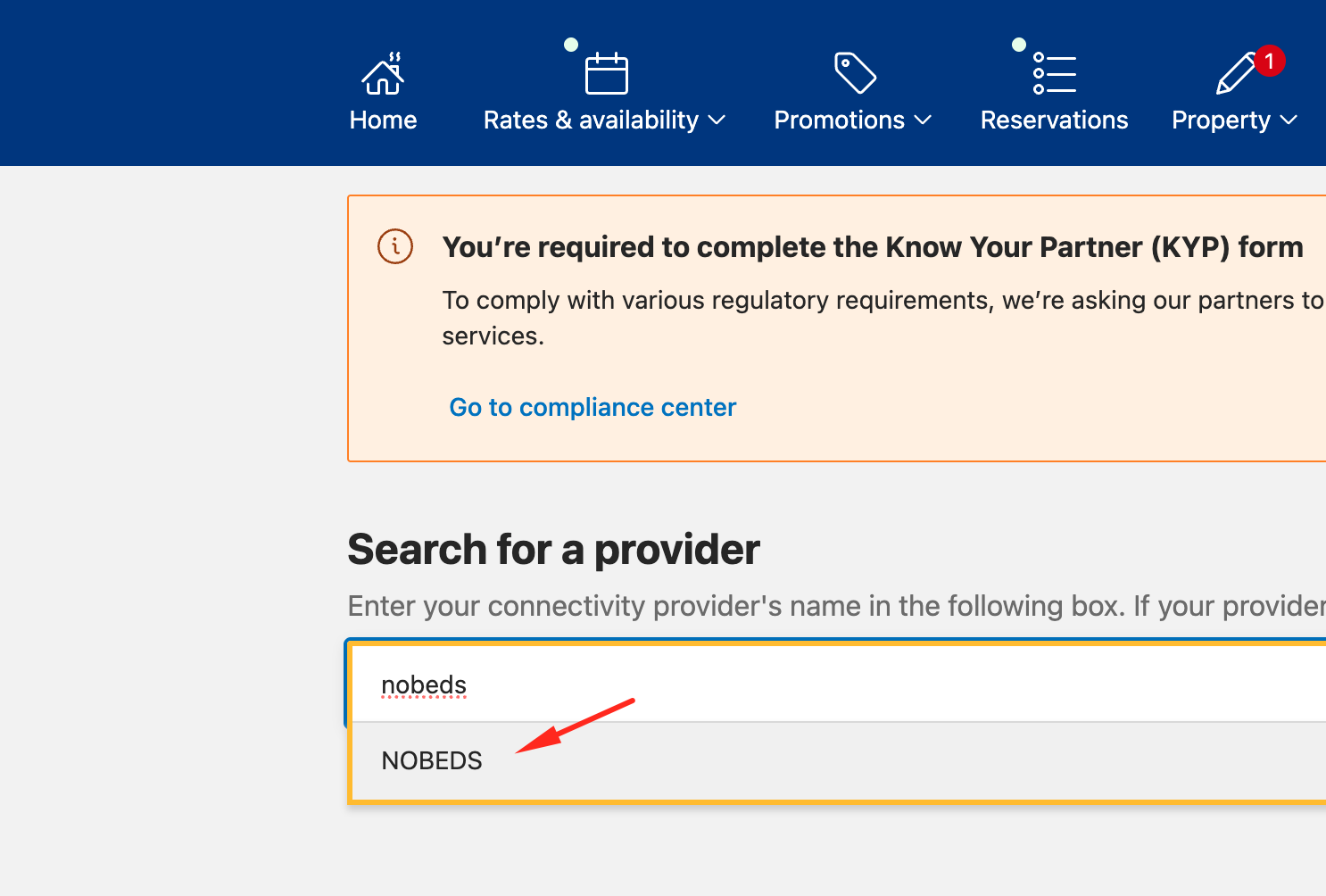
Click 'Search', type 'NOBEDS' in the provider name field, select it from the list, and confirm all steps.
Step 4 of 5 • Confirmation
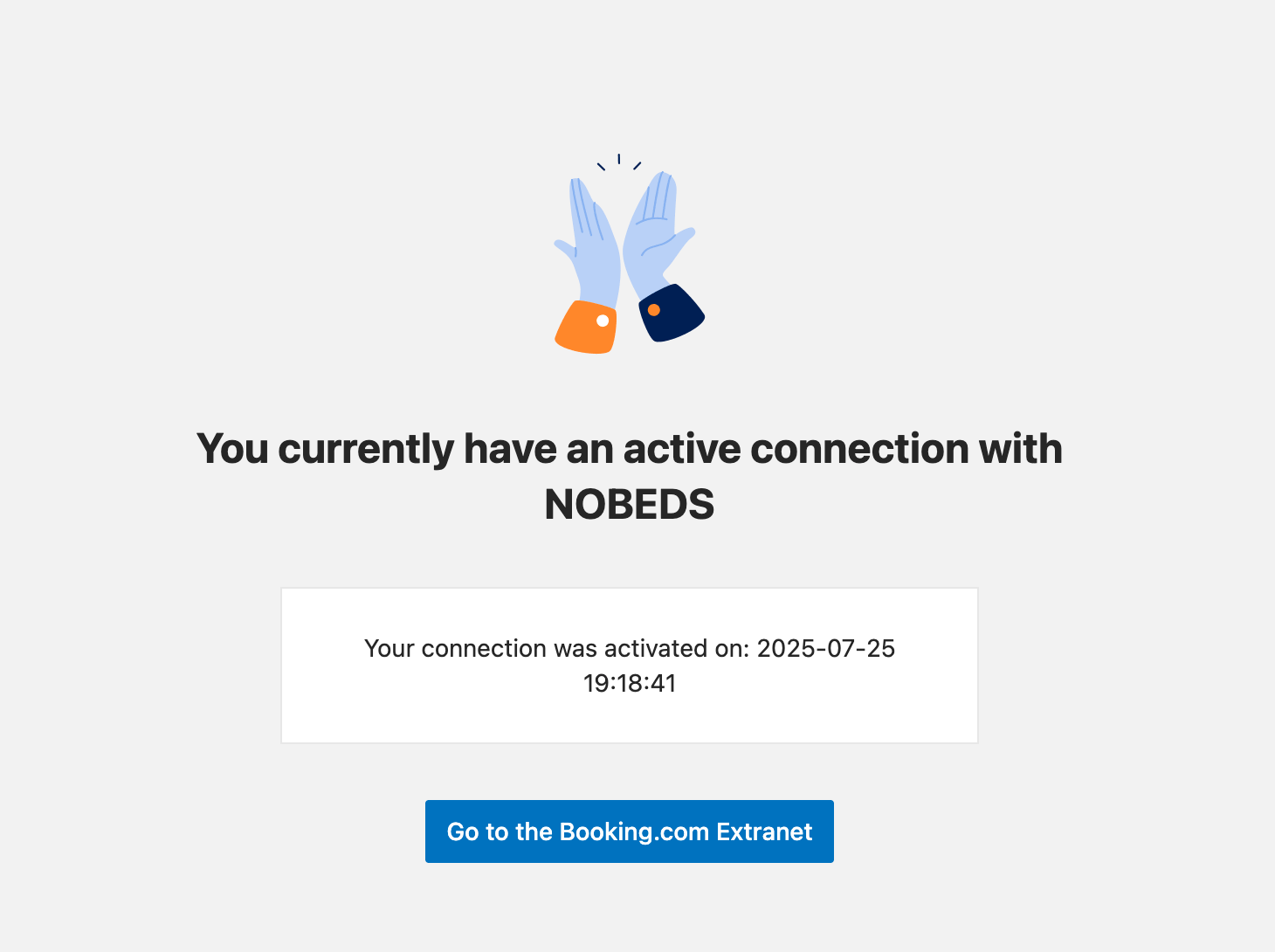
4. Confirm Connection Status
Once successfully linked, Booking.com will show the active connection status. Now finish your NOBEDS account registration.
✓
Automatic Sync: After this step, NOBEDS will automatically sync your prices, room availability, and guest reservations.
Step 5 of 5 • Final Setup
Enter Property & Account Details
Enter your Booking.com Hotel ID and choose your password to complete setup.
⚠️
Master Calendar Notice: Once connected, NOBEDS becomes your Master Calendar. You should manage all rates, availability, and bookings through NOBEDS to avoid conflicts.

 +
+